Ultimate Free Fire Sensitivity & DPI Guide for Android, iPhone & PC – Dominate Every Match”
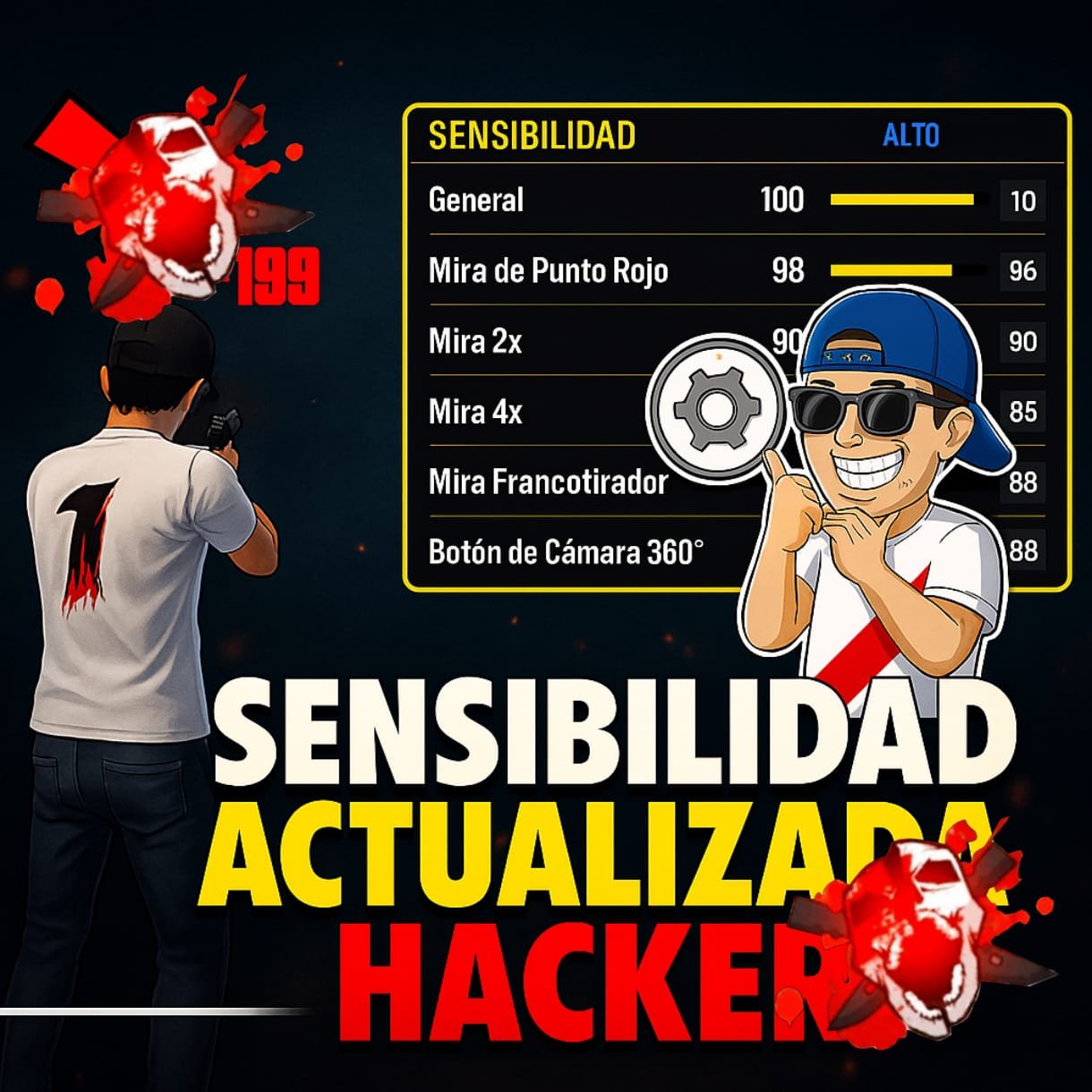
When it comes to becoming a top-tier Free Fire player, raw talent is only part of the equation. The real secret lies in mastering your sensitivity settings and DPI configuration. Whether you play on Android, iPhone, or PC, finding the perfect balance between speed, precision, and control can be the difference between hitting headshots consistently or missing crucial opportunities. In this ultimate guide, we’ll break down everything you need to know to set up the perfect sensitivity and DPI for your device so you can rise through the ranks like a pro.
Why Sensitivity & DPI Matter in Free Fire
Free Fire’s fast-paced battles require quick reflexes and pinpoint accuracy. Sensitivity determines how quickly your crosshair moves when you swipe or drag, while DPI (Dots Per Inch) measures how responsive your device is to touch or mouse movement. A well-tuned combination allows you to:
- Land headshots with ease.
- Control recoil even with rapid-fire weapons.
- React instantly in close-range combat.
- Track moving enemies with maximum accuracy.
Best Sensitivity & DPI for Android
📱 Recommended Sensitivity Settings:
- General: 95–100
- Red Dot: 90–100
- 2x Scope: 85–95
- 4x Scope: 80–90
- AWM Scope: 50–60
- Free Look: 80–90
🎯 DPI Settings:
- Most Android devices work best between 400–600 DPI for fluid control.
- High-end gaming phones can go up to 800 DPI for ultra-fast response, but this requires more precise finger control.
💡 Pro Tip: If you play aggressive rush gameplay, aim for higher sensitivity and DPI. If you prefer long-range sniping, lower them slightly for steadier aim.
Best Sensitivity & DPI for iPhone (iOS)
Apple devices have a different touch response system compared to Android, meaning they often feel more responsive even with lower sensitivity.
📱 Recommended Sensitivity Settings:
- General: 90–95
- Red Dot: 85–95
- 2x Scope: 80–90
- 4x Scope: 75–85
- AWM Scope: 50–55
- Free Look: 75–85
🎯 DPI Settings on iOS:
- iPhones don’t allow direct DPI adjustment like Android, but you can tweak touch sensitivity in Settings > Accessibility > Touch > Touch Accommodations for faster screen response.
💡 Pro Tip: For smoother movement, use a screen protector with low friction and keep your fingers dry during matches.
Best Sensitivity & DPI for PC (Emulator)
If you’re playing Free Fire on PC via emulators like BlueStacks, LDPlayer, or Gameloop, sensitivity works differently because your mouse DPI and emulator settings control the aim.
🖥 Recommended In-Game Sensitivity:
- General: 100
- Red Dot: 95–100
- 2x Scope: 90–95
- 4x Scope: 85–90
- AWM Scope: 50–60
🎯 Mouse DPI Settings:
- Low DPI (400–800): For precise aiming, perfect for snipers.
- Medium DPI (800–1200): Balanced for both close and long-range.
- High DPI (1600+): Extremely fast response, suited for aggressive rush gameplay.
💡 Pro Tip: Always disable mouse acceleration for consistent aim movement.
How to Find YOUR Perfect Sensitivity & DPI
- Go to Training Mode: Test headshots at different ranges.
- Adjust Step-by-Step: Increase or decrease sensitivity by small increments (2–5 points).
- Track Performance: If you’re missing headshots, lower sensitivity slightly. If you can’t turn fast enough, raise it.
- Practice Daily: Muscle memory will make aiming feel natural.
SENSIBILIDAD DE LUIGIGOD
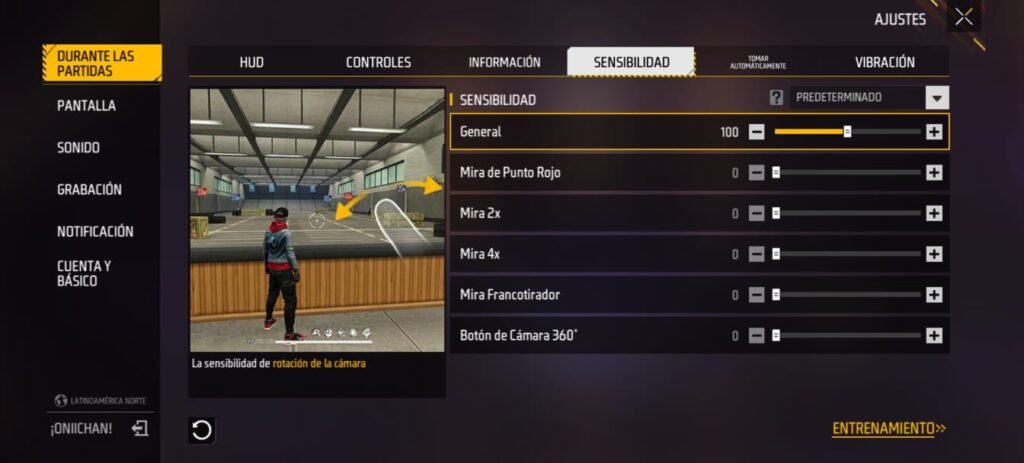
Extra Tips to Maximize Your Aim
- Use the Gyroscope: If your device supports it, combining gyroscope aim with touch aim can boost precision.
- Keep Screen Clean: Dirt and sweat can affect smooth movement.
- Warm-Up Before Ranked Matches: Spend at least 5–10 minutes in training before going competitive.
- Copy Pro Player Settings: Use them as a starting point, then tweak for your style.
Final Words
The perfect sensitivity and DPI settings are personal – what works for one player may not work for another. The key is to experiment until you find your sweet spot. Once you do, your gameplay will feel smoother, your reaction time will improve, and your headshot accuracy will skyrocket.
Remember: In Free Fire, victory doesn’t just come from pulling the trigger – it comes from mastering control over every movement. Tune your settings today and dominate the battlefield tomorrow.













Post Comment